Introduction
Buying a pre-owned iPhone can be a smart way to save money while still enjoying Apple’s premium features. However, common issues such as screen damage and battery degradation can affect their performance. Fortunately, with the right guidance, these issues can be fixed efficiently. If you’re looking for Mobile Phone Screen Repair Near Me, Mobile Repair Factory provides reliable solutions for all smartphone and tablet problems.
Common iPhone Screen Issues and Fixes
1. Cracked or Broken Screen
A cracked iPhone screen can hinder usability and pose safety risks due to sharp edges. If your device has suffered screen damage, here’s what you can do:
Temporary Fix:
Apply a screen protector to prevent further damage until you can get it repaired.
Professional Repair:
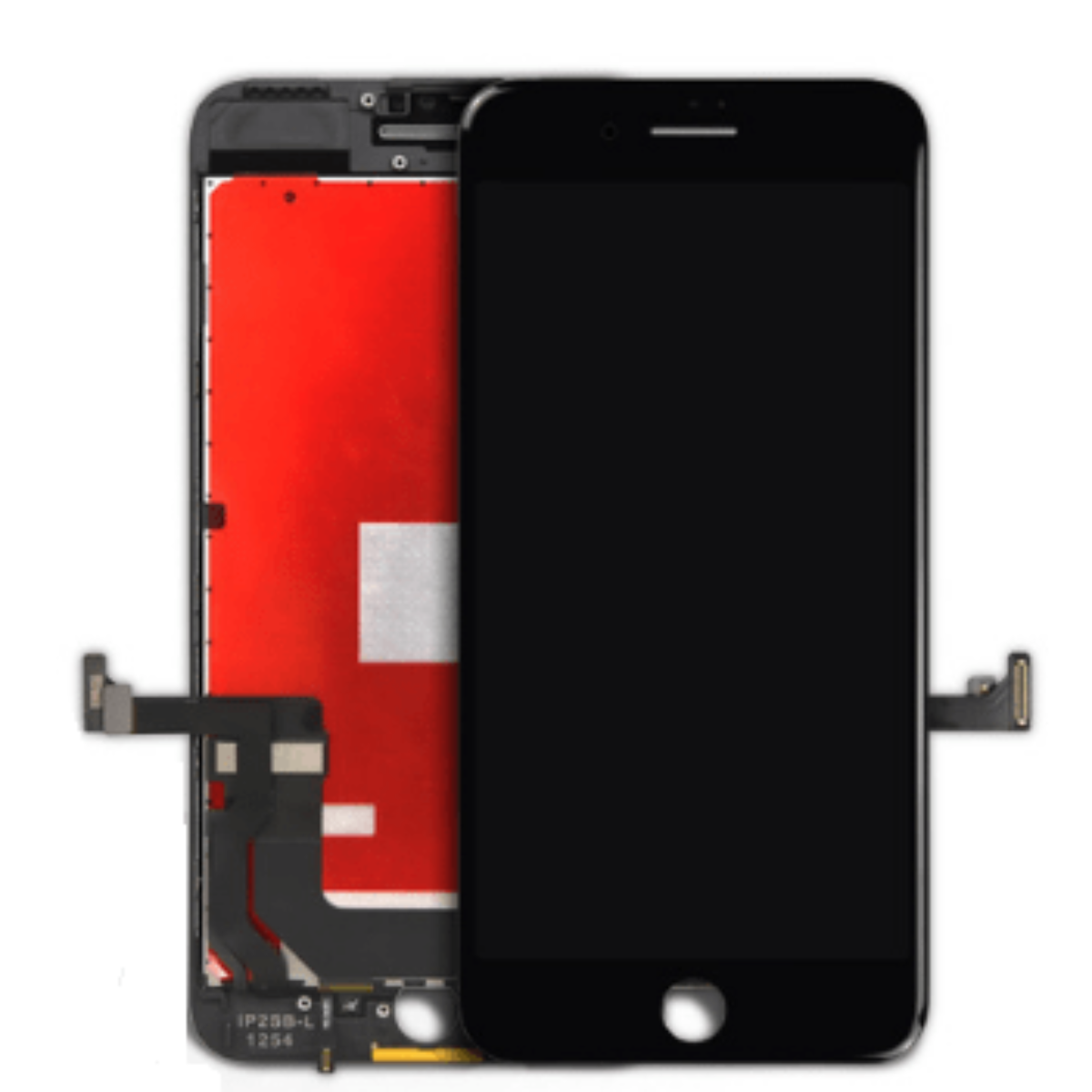
Mobile Repair Factory offers smashed phone screen repair in Sydney, using high-quality replacement parts to restore your device to its original condition.
2. Touchscreen Unresponsiveness
If your touchscreen is not responding properly, try the following solutions:
Restart the Phone:
A simple restart can sometimes resolve minor glitches.
Check for Software Updates:
iOS updates often include bug fixes that improve touchscreen functionality.
Factory Reset:
If the problem persists, backup your data and perform a factory reset.
Seek Professional Help:
If the issue is hardware-related, the best solution is to visit a professional repair shop like Mobile Repair Factory in Sydney.
3. Screen Flickering or Display Issues
Screen flickering can be caused by a loose connection, software bugs, or hardware failure. To fix this:
Check for App Conflicts:
Uninstall any recently downloaded apps that may be causing conflicts.
Enable True Tone & Auto-Brightness:
Sometimes, adjusting display settings can stabilize flickering.
Replace the Screen:
If none of the above work, the display may need professional replacement.
4. Water-Damaged Screen
If your iPhone screen is flickering or unresponsive after water exposure:
Turn Off the Phone Immediately:
Do not attempt to charge or use it.
Dry the Device:
Use a dry cloth and silica gel packets to absorb moisture.
Avoid Using Heat:
Do not use a hairdryer, as excessive heat can damage internal components.
Professional Repair:
If issues persist, visit Mobile Repair Factory for a thorough inspection and repair.
Common iPhone Battery Issues and Fixes
1. Rapid Battery Drain
Battery life degradation is one of the most common issues with pre-owned iPhones. Here’s how you can improve it:
Check Battery Health:
Go to Settings > Battery > Battery Health to check your battery’s maximum capacity.
Enable Low Power Mode:
This reduces background activity and extends battery life.
Turn Off Background App Refresh:
Disable this setting to prevent apps from running in the background unnecessarily.
Battery Replacement:
If your battery health is below 80%, replacing it is the best option. Mobile Repair Factory offers affordable iPhone battery replacement in Sydney.
2. iPhone Not Charging Properly
If your iPhone isn’t charging correctly, follow these steps:
Check the Charging Cable and Adapter:
Ensure they are not damaged.
Clean the Charging Port:
Dust and debris can block the connection; use a small brush or compressed air to clean it.
Try a Different Charger:
Test with another Apple-certified charger.
Visit a Professional Repair Shop:
If the issue persists, it may be due to a faulty charging port or battery.

3. Overheating While Charging
Excessive heat during charging can indicate a battery issue. To prevent overheating:
Use an Original Charger:
Third-party chargers may not regulate power efficiently.
Avoid Using the Phone While Charging:
Heavy usage during charging can increase heat.
Check for Software Issues:
Update to the latest iOS version to optimise battery performance.
Consider a Battery Replacement:
If overheating persists, replacing the battery is recommended.
4. Unexpected Shutdowns
If your iPhone shuts down randomly:
Check for Software Bugs:
Ensure your device is running the latest iOS version.
Reset Settings:
Go to Settings > General > Reset > Reset All Settings to restore default configurations.
Battery Replacement:
If the battery is old or faulty, replacing it is the best solution.
Why Choose Mobile Repair Factory in Sydney?
If you need a mobile phone repair in Sydney, Mobile Repair Factory offers expert services at competitive prices. Here’s why they are a trusted choice:
Experienced Technicians:
Skilled professionals handle repairs for iPhones, Samsung, OPPO, and other brands.
Guaranteed Repairs:
All screen repairs come with a warranty, ensuring peace of mind.
Affordable Pricing:
High-quality repairs at cheap mobile phone repair prices in Sydney.
Business Priority Service:
Fast service for business customers to minimise downtime.
Comprehensive Repair Services:
From cracked screens to battery replacements, they fix all issues efficiently.
Free Diagnostics:
Get a free quote before proceeding with repairs.
Fast Turnaround Time:
Many repairs are completed within the same day.
Where to Find Us?
Mobile Repair Factory has been serving Sydney residents since 2008, covering areas such as Sutherland Shire, Padstow, Bankstown, and surrounding suburbs. Customers can walk into the store for a free diagnosis and competitive repair rates.
For the best iPhone repairs in Sydney, trust Mobile Repair Factory to restore your device to peak performance. Whether you need screen repair service, battery replacement, or other phone fixes, their team ensures quality service at the best prices.
Final Thoughts
A pre-owned iPhone can function as well as a new one with the right care and maintenance. Whether dealing with a cracked screen, battery issues, or touchscreen problems, quick fixes and professional repair services can extend the lifespan of your device. If you’re in Sydney and need fast, reliable phone repairs, visit Mobile Repair Factory for top-quality service at budget-friendly prices. Don’t let a cracked screen or battery problem slow you down. Book your repair today and get your iPhone back in perfect condition! Call Mobile Repair Factory or visit their store for expert assistance.
Need your iPhone fixed? See our iPhone repairs Sydney page for prices and same-day repairs at our Padstow store.